
Your Fortnite display name is visible to everyone you play with — in lobbies, kill feeds, and leaderboards. Most players are running around with whatever name they typed in when they first made their Epic Games account, which means a little bit of effort here goes further than you’d think.
Whether you’re building a personal brand for streaming, representing a clan, or just want something that looks sharp, here’s how to approach it.
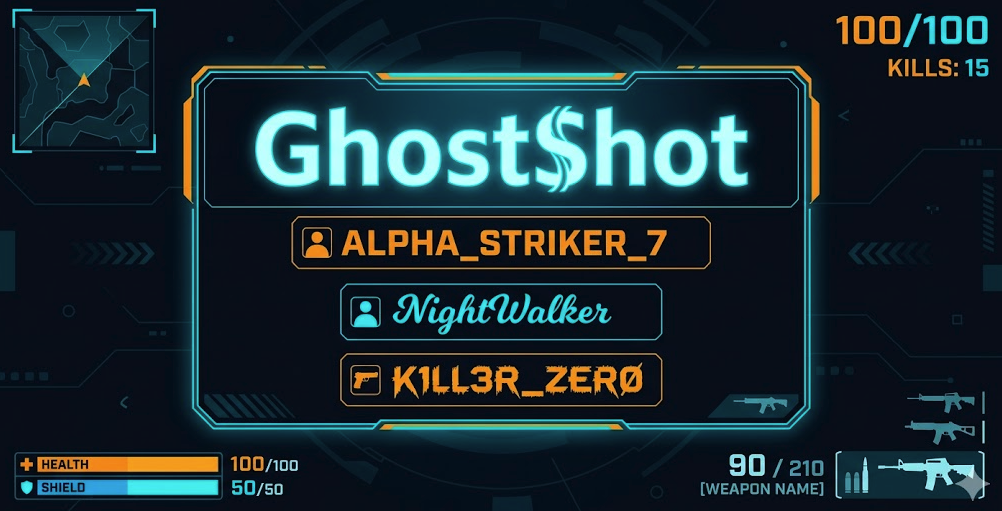
What Fortnite actually allows in display names
Fortnite’s Epic Games account system has some specific rules about what you can use in your display name:
- Between 3 and 16 characters
- Letters, numbers, hyphens, and underscores allowed
- No spaces
- Limited Unicode support — most special characters and Unicode fonts are blocked
This is the honest part most guides skip: Fortnite doesn’t support most fancy Unicode fonts in display names. The Epic Games system strips them out or blocks the name change. What you can do is use a limited set of special characters, punctuation, and some regional characters to create a name that still looks distinctive.
That said, your Fortnite name shows up prominently in overlays and streams, and a well-crafted name using allowed characters can still look great. Here’s how to work within those limits.
Strategies that actually work for Fortnite names
Use numbers creatively. Swapping letters for numbers is one of the oldest tricks in gaming, but it still works when done selectively. Gh0stBlade looks cleaner than GhostBlade and is more likely to be available.
Hyphens and underscores as style tools. A hyphen or underscore can add visual rhythm to a name: Night_Hawk, Echo-Zero, x-Phantom-x. The lowercase x on each side is a classic gaming naming pattern that still holds up.
Mixed case. Fortnite allows mixed case (uppercase and lowercase) in display names, which gives you a lot of expressive range. NightHawk, GhostKing, VoidBreaker — clean camelCase names look sharp in kill feeds.
Clan tag format. If you’re in a clan or want to look like you are, the [TAG] Name or Name | TAG format is still widely used and recognized in competitive lobbies.
Name ideas by playstyle
Here are some name ideas organized by the kind of player you want to project:
Aggressive / Competitive:
- IronSight
- RushKing99
- x-Reaper-x
- VoidHunter
- StormBreaker7
Stealthy / Strategic:
- GhostProtocol
- SilentEdge
- Phantom-9
- NullSignal
- Echo_Zero
Streamer / Content Creator:
- LiveWithRex
- CatchMeOnTop
- NoScopeKira
- BuildsDaily
Clan names (short, punchy, memorable):
- VOLT, APEX, NEXUS, VIPER, ECHO
- Format:
[NEXUS] YourName
For streaming overlays and social media
Even if Fortnite itself doesn’t display fancy Unicode fonts in-game, your streaming overlay, Twitch bio, YouTube channel name, and tournament brackets do. This is where the Fortnite Font Generator is actually most useful.
Use it to style your name for:
- Your Twitch or YouTube channel name
- Stream overlay text (OBS / Streamlabs let you paste Unicode into text sources)
- Social media bios and posts
- Discord server name and role labels
- Tournament bracket submissions (many third-party bracket tools accept Unicode)
Some font styles that look particularly sharp for a Fortnite-themed aesthetic:
- 𝔾𝕠𝕥𝕙𝕚𝕔 / 𝔻𝕠𝕦𝕓𝕝𝕖-𝕊𝕥𝕣𝕦𝕔𝕜 — Bold, blocky, fitting for a battle royale brand
- 𝗕𝗼𝗹𝗱 𝗦𝗮𝗻𝘀 — Clean and readable in overlays
- Wide text — Dramatic for channel art or social bios
How to generate and use the fonts
- Go to the Fortnite Font Generator.
- Type your name or text.
- Click the style you want — it copies automatically.
- Paste into your overlay software, social media bio, or Discord.
Changing your Fortnite display name
To change your name in Fortnite:
- Go to epicgames.com → log into your account.
- Click your account name in the top right → Account.
- Under the General tab, find Display Name and click edit.
- Enter your new name and save.
Note: Epic Games allows display name changes once every two weeks. If you changed yours recently, you’ll need to wait before changing it again. Choose carefully.
Frequently Asked Questions
Can I use symbols like ★ or ♦ in my Fortnite name?
Most special Unicode symbols are blocked by Epic’s display name filter. Basic ASCII characters (letters, numbers, hyphens, underscores) are the safe zone. Some players have reported success with very basic characters like periods, but results vary. If a character gets rejected, the system will tell you at the time of the name change attempt.
What’s the best Fortnite name for a competitive player?
Short names (6–10 characters) tend to look best in kill feeds and on leaderboards because they’re fully visible without truncation. Clear readability beats cleverness — your name should be easy to say on stream and easy for teammates to call out. Avoid names that are hard to pronounce or spell.
Can two players have the same Fortnite display name?
Yes. Unlike usernames on most platforms, Fortnite display names don’t need to be unique — multiple players can have the same display name. Your Epic account ID is what uniquely identifies you behind the scenes.
Is there a cost to changing my Fortnite name?
No. Display name changes on Epic Games are free but limited to once every 14 days.